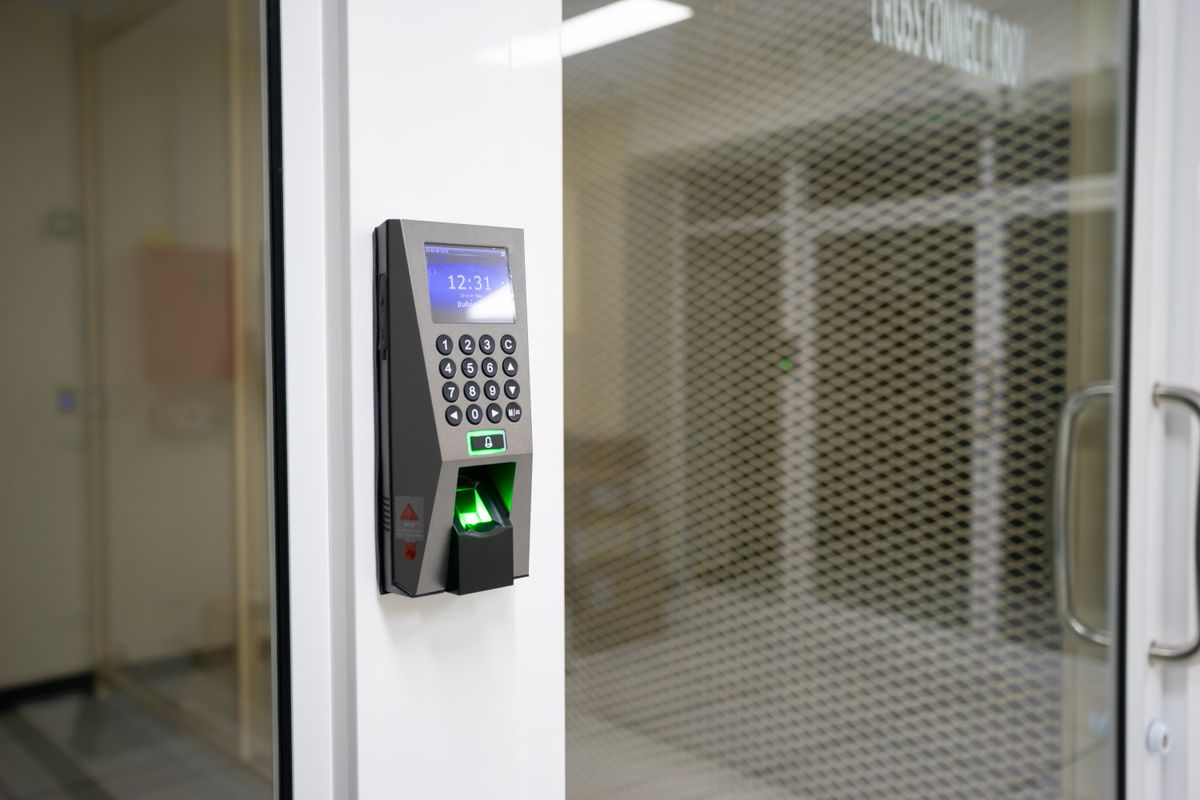
The best smart lock with a keypad gets you in the door with a simple numeric code, no phone, no fumbling for keys, no app that needs to open first. That makes a keypad the most dependable entry method most of these locks offer, even on models that also support fingerprints or a smartphone app.
We compared the current lineup of keypad-equipped smart locks on code capacity, battery life, security certifications, and how they handle a dead battery or a lost connection. A few also throw in a fingerprint reader as a second way in, useful for households that want options.
Not every keypad lock is built the same way. Some replace your entire exterior hardware with a touchscreen, others keep things simple with a lit-up physical touchpad, and a couple add a fingerprint sensor as a shortcut around typing a code at all.
A keypad also solves a problem that pure app-only or fingerprint-only locks can’t: it works for anyone, even someone who doesn’t own a smartphone or hasn’t been added to a fingerprint database yet. Give a house sitter, a contractor, or a visiting relative a temporary code, then delete it the moment they no longer need access. No spare key changes hands, and no rekeying is required afterward.
How We Picked
We compared official specs, ANSI/BHMA security certifications, and manufacturer documentation for each lock, then weighed that against recurring themes in verified customer reviews, things like touchpad responsiveness, battery life, and how reliably the keypad reads codes in daylight or bad weather. We also looked at how each lock handles a forgotten code or a dead battery, since a keypad lock is only as convenient as its backup plan. Our picks reflect that research, not paid placement.
Best Smart Lock With Keypad, At a Glance
| Smart Lock | Price | Best For | Our Rating |
|---|---|---|---|
| Schlage Encode Plus | Check price | Best overall | 4.6 / 5 |
| Kwikset SmartCode 270 | Check price | Best budget pick | 4.6 / 5 |
| eufy Security Smart Lock C220 | Check price | Best fingerprint + keypad combo | 4.3 / 5 |
| Kwikset Halo Touch | Check price | Best for geofence auto-unlock | 4.2 / 5 |
| Ultraloq U-Bolt Pro | Check price | Best for multiple unlock methods | 4.3 / 5 |
Prices shift often, especially around Prime Day and the holidays, so treat these as a snapshot rather than a guarantee. Check the current listing before you buy.
1. Schlage Encode Plus, Best Overall
The Schlage Encode Plus is the keypad lock we’d point most homeowners toward first. Its backlit touchscreen replaces your entire exterior hardware, and it comes with built-in Wi-Fi, so there’s no separate hub or bridge to buy and set up.
You can program up to 100 unique user codes, which covers a large family or a property with regular contractors without running out of slots. The lock also carries a strong ANSI/BHMA security certification, so you’re not trading safety for convenience.
Owners consistently mention that the touchscreen stays responsive through cold winters and hot summers, and that setup is a standard deadbolt swap most people finish in under 30 minutes. It also works with Alexa, Google Home, and Apple Home, plus Apple Watch tap-to-unlock, so it fits into whatever smart home ecosystem you’re already using.
The touchscreen itself stays dark until you touch it, which keeps it from glowing on your door all night, and it wakes instantly when you tap in a code. Because Wi-Fi is built directly into the lock, you can push new codes or check whether the door is locked from anywhere, without pairing a separate bridge to your router first. For a keypad lock that does everything most households need without extra accessories, this is the safest starting point.
Schlage Encode Plus
- Backlit touchscreen keypad supports up to 100 user codes
- Built-in Wi-Fi, no separate hub or bridge required
- ANSI/BHMA Grade certified deadbolt construction
- Works with Alexa, Google Home, and Apple Home; Apple Watch tap to unlock
As an Amazon Associate, HomeTechVerdict earns from qualifying purchases. Tap through for the current live price on Amazon.
2. Kwikset SmartCode 270, Best Budget Pick
The Kwikset SmartCode 270 skips the touchscreen and fingerprint extras and focuses on doing one thing well: a reliable, lit-up physical touchpad. That simplicity keeps it one of the more affordable keypad locks on this list, and it’s also one of the most reviewed.
Its SecureScreen technology is a small but genuinely useful detail, it hides the fingerprint smudges a touchpad naturally accumulates, so a passerby can’t glance at worn buttons and guess your code. After three wrong entries in a row, the touchpad locks itself out for a minute, which discourages random guessing.
Battery life is rated at 12 months or more on 4 AA batteries, and a SmartKey backup keyway means you’re never stuck if the electronics ever fail. A Vacation Mode temporarily disables the touchpad entirely, useful if you’re leaving the house empty for a stretch and want to rule out code guessing altogether.
There’s no built-in Wi-Fi here, so remote access isn’t part of the deal unless you add Kwikset’s separate smart hub accessory. For anyone who just wants a dependable keypad on the door itself without extra bells and whistles, this is the easy recommendation, and its huge base of verified owner reviews backs that reliability up.
Kwikset SmartCode 270
- Lighted touchpad with up to 50 customizable user codes
- SecureScreen technology hides fingerprint smudges that could reveal your code
- Auto-lock disables the touchpad for a minute after 3 wrong entries
- Runs 12+ months on 4 AA batteries with SmartKey backup keyway
As an Amazon Associate, HomeTechVerdict earns from qualifying purchases. Tap through for the current live price on Amazon.
3. eufy Security Smart Lock C220, Best Fingerprint + Keypad Combo
The eufy Security Smart Lock C220 gives you five separate ways to get in: a fingerprint, the keypad, the eufy app, a physical key, or voice through Alexa or Google Assistant. That flexibility makes it a strong pick for households where different people prefer different ways to unlock the door.
Its fingerprint sensor reads in under 0.3 seconds according to eufy, and reviewers note that accuracy improves the more you use it, since the self-learning system adapts to how you naturally place your finger. Built-in Wi-Fi means no bridge is needed for remote access and notifications.
The lock is IP53 rated for weather resistance and carries a BHMA Grade 3 certification after extensive lock-and-unlock cycle testing. It’s worth noting it doesn’t yet support Apple HomeKit or Matter, so confirm that fits your setup before buying.
It runs on 8 AA batteries rated for up to 8 months of typical use, and a charging port on the bottom of the exterior assembly lets you top it up with a portable battery pack if it ever dies before you can swap cells. For a keypad lock that leans on fingerprint speed as the everyday unlock method while keeping the code pad as a dependable fallback, the C220 is a strong middle-ground pick.
eufy Security Smart Lock C220
- Five ways to unlock: fingerprint, keypad, app, physical key, or voice
- Built-in Wi-Fi with no bridge or hub needed for remote access
- Fingerprint recognition in under 0.3 seconds, improves with use
- IP53 rated and BHMA Grade 3 certified for outdoor durability
As an Amazon Associate, HomeTechVerdict earns from qualifying purchases. Tap through for the current live price on Amazon.
4. Kwikset Halo Touch, Best for Geofence Auto-Unlock
The Kwikset Halo Touch leads with its fingerprint reader, but a full keypad sits right below it as a reliable backup whenever a code is easier than a fingerprint, say, for a guest you haven’t added to the system yet. Together they cover most situations without needing a spare key.
What sets it apart here is geofence auto-unlock: the lock can sense your phone approaching and unlock automatically before you reach the door, handy when your arms are full of groceries. It connects directly over Wi-Fi with no separate hub required, and carries an ANSI Grade AAA residential security rating.
Reviewers generally praise the fingerprint speed once it’s trained on your prints, though a few note it can take a couple of extra scans to register reliably at first. Kwikset backs the finish with a lifetime warranty, and the deadbolt’s low-profile design keeps the exterior hardware compact compared to bulkier touchscreen locks.
If keyless convenience matters more to you than a touchscreen, and you like the idea of the door unlocking itself as you walk up with groceries or kids in tow, this is a solid option.
Kwikset Halo Touch
- Fingerprint reader backed up by a full keypad for code entry
- Geofence auto-unlock as you approach the door
- No hub required, connects directly over Wi-Fi
- ANSI Grade AAA residential security certification
As an Amazon Associate, HomeTechVerdict earns from qualifying purchases. Tap through for the current live price on Amazon.
5. Ultraloq U-Bolt Pro, Best for Multiple Unlock Methods
The Ultraloq U-Bolt Pro packs in more unlock methods than anything else on this list: the smartphone app, a fingerprint reader, an anti-peep keypad, or a traditional mechanical key. That anti-peep keypad is a clever touch, it buries your real code inside a string of random decoy digits, so nobody watching over your shoulder can memorize the actual sequence.
It stores up to 120 fingerprints and 60 backup codes, which is more than enough for a large household or a short-term rental with frequent turnover. Bluetooth handles the core connection, with an optional Wi-Fi bridge available separately for remote access.
Battery life stands out too, Ultraloq rates the U-Bolt Pro for more than a year on four AA batteries thanks to its low-power Bluetooth design, good for roughly 8,000 unlocks before a change. Bluetooth handles the day-to-day connection out of the box, and an optional Wi-Fi bridge is available separately if you decide later that you want remote access.
For buyers who want maximum flexibility in how they get through the door, whether that’s a fingerprint on the way in from a run or a code punched in for a visiting friend, this is the pick.
Ultraloq U-Bolt Pro
- Unlock by app, fingerprint, anti-peep keypad code, or mechanical key
- Anti-peep keypad buries your real code inside random digits
- Stores up to 120 fingerprints and 60 backup codes
- Over a year of battery life from 4 AA batteries
As an Amazon Associate, HomeTechVerdict earns from qualifying purchases. Tap through for the current live price on Amazon.
Pros
- Ditch physical keys for a numeric code that's easy to share and just as easy to revoke
- Backup keypad or fingerprint access still works if your phone dies or Wi-Fi drops
- Assign unique codes to family, guests, or a dog walker without ever handing out a spare key
- Auto-lock and low-battery alerts mean fewer trips back to check if the door is actually secure
Cons
- Illuminated touchpads and fingerprint sensors drain batteries faster than a basic mechanical lock
- Budget keypad locks often skip built-in Wi-Fi, so remote lock and unlock needs an added bridge
- A shared code that never gets rotated undoes a lot of the security benefit
How to Choose a Smart Lock With a Keypad
A few details separate a keypad lock you’ll love from one you’ll regret installing.
Decide if you need built-in Wi-Fi. The Schlage Encode Plus and eufy C220 connect directly, no bridge required. Bluetooth-first locks like the Ultraloq U-Bolt Pro need an optional accessory if you want to check or control the lock remotely.
Think about how many codes you’ll actually need. A single household rarely needs more than the Kwikset SmartCode 270’s 50 slots. A rental property or a large extended family benefits from the Schlage Encode Plus’s 100-code capacity.
Consider whether a fingerprint backup is worth it to you. The eufy C220, Kwikset Halo Touch, and Ultraloq U-Bolt Pro all add a fingerprint reader alongside the keypad, which speeds up daily entry for people who live there, while codes stay available for guests.
Check the security certification. ANSI/BHMA Grade ratings tell you how the lock’s physical hardware, not just its software, stands up to forced entry. If your front door is your home’s main line of defense, don’t skip this detail.
Plan for power loss. Every lock here runs on AA batteries and warns you before they die, but confirm there’s a backup key or emergency battery jump point so you’re never stuck outside.
Factor in who else needs access. A code is easy to hand out and just as easy to delete, which makes a keypad lock a better fit than a plain smart lock for a household with kids, frequent guests, or a cleaning service on a schedule.
Our Verdict
For most homes, the Schlage Encode Plus is the best smart lock with a keypad in 2026. It combines a responsive touchscreen, built-in Wi-Fi, and a strong security certification without needing extra hardware.
If you want to spend less, the Kwikset SmartCode 270 covers the essentials reliably. Households that want a fingerprint option alongside the keypad should look at the eufy Security Smart Lock C220 or Kwikset Halo Touch, and anyone who wants the most unlock methods in one lock should consider the Ultraloq U-Bolt Pro.
Whichever one you pick, check the latest price on Amazon before you buy, these locks go on sale often throughout the year. Also check out our guides to the smart lock for Airbnb and security camera for your front door.