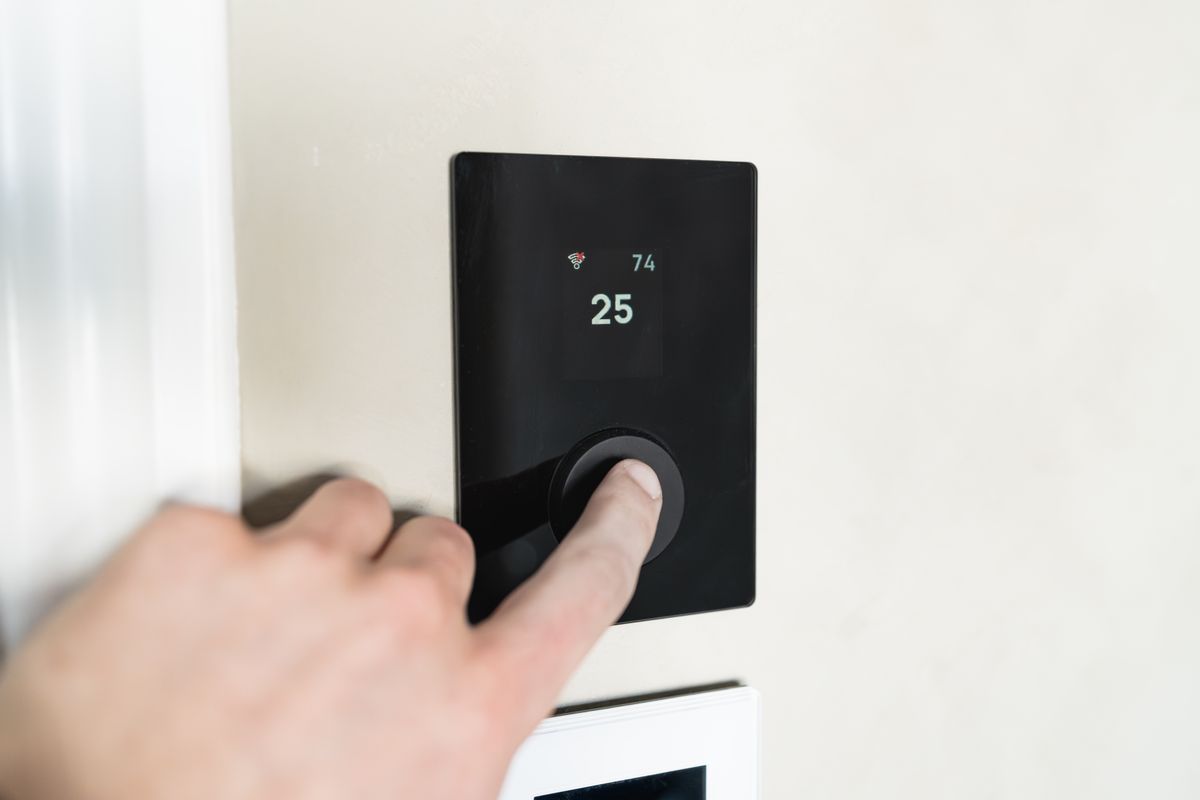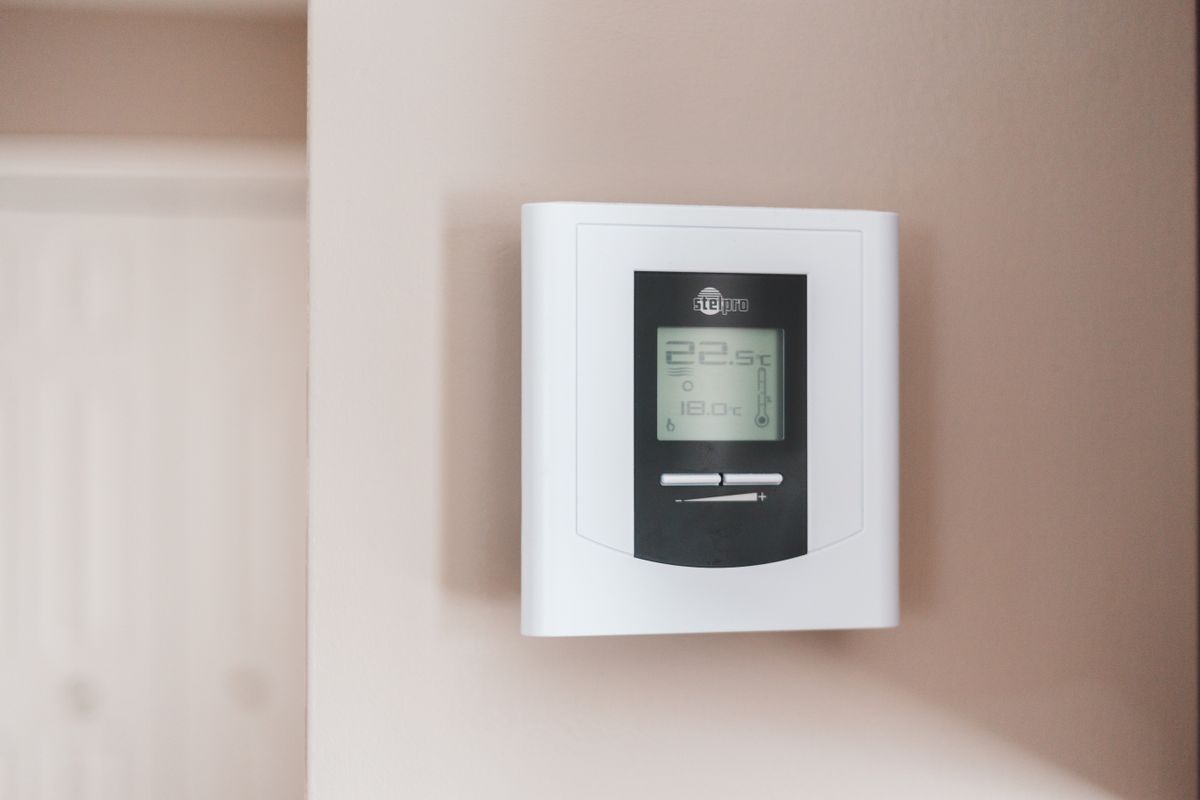
If you are wondering “does ecobee work without subscription,” the answer is yes. An ecobee smart thermostat does its main job with no monthly fee, and you pay once for the hardware.
This guide explains what stays free, what can cost extra, and how to set up your thermostat so you never need a plan. It is based on ecobee’s help pages, product specs, and published expert reviews, not hands-on testing.
Plan details change, so confirm anything money-related on ecobee’s site before you buy.
Does Ecobee Work Without a Subscription? What Stays Free
The thermostat’s everyday features do not sit behind a paywall. Based on ecobee’s documentation, these work with no plan:
- Scheduling: Set weekly heating and cooling schedules from the touchscreen or the app.
- Remote control: Change the temperature from your phone anywhere with an internet connection.
- Home/Away modes: Use SmartSensors or your phone’s location to adjust when you leave.
- Voice assistants: Link Alexa, Google Assistant, or Apple HomeKit for voice control.
- Energy reports: See how long your system ran and how that changed over time.
For most households, that is the whole reason to buy a smart thermostat.
What Can Cost Extra
The thermostat is free to run, but ecobee also sells other products. Its camera and security offerings have carried optional paid plans, such as cloud video recording.
Those plans belong to separate products. You do not have to buy them, and your thermostat will not nag you into a plan to keep working.
Because offerings have changed over the years, check ecobee’s current plan page. Do not trust older articles, including this one, for exact plan names.
How to Set Up Ecobee With No Subscription
Setup is the same whether or not you ever pay for anything extra.
- Turn off power at the breaker. Then remove your old thermostat and photograph the wiring.
- Label the wires and connect them. Match them to the ecobee base plate. If you have no C-wire, use the included power extender kit.
- Mount the thermostat. Snap it onto the base and restore power.
- Connect to Wi-Fi. Follow the on-screen prompts and pick your home network.
- Create a free ecobee account. Register the thermostat in the ecobee app.
- Add voice assistants. Link Alexa, Google Assistant, or HomeKit if you use them.
At no point do you need to enter payment details for the thermostat.
Get the Most From the Free Features
You can lower energy use without paying for anything extra. A few settings to look at:
- Build a simple schedule. Match it to when you are home and asleep.
- Add SmartSensors. Sensors let the thermostat read the rooms you actually use, instead of just the hallway.
- Use Home/Away. Let the thermostat ease back when nobody is home.
- Review the reports. Check run times now and then to spot a system that is working too hard.
If you are comparing brands, our ecobee vs Nest thermostat breakdown covers how each handles sensors and voice control.
Recommended Model: ecobee Smart Thermostat Premium
If you want the full ecobee experience with no ongoing cost, the ecobee Smart Thermostat Premium is the model to look at. It includes a SmartSensor, built-in air quality monitoring, and a speaker for voice features.
Reviewers often like that it includes a power extender kit, which helps homes without a C-wire. It works with Alexa, Google Assistant, and Apple HomeKit.
It is a premium pick compared with basic smart thermostats, but you are not committing to a monthly plan on top of it.
ecobee Smart Thermostat Premium
- Includes a SmartSensor for room-level temperature and occupancy readings
- Works with Alexa, Google Assistant, and Apple HomeKit
- Built-in air quality monitor and speaker for voice features
- Includes a power extender kit for homes without a C-wire
As an Amazon Associate, HomeTechVerdict earns from qualifying purchases. Tap through for the current live price on Amazon.
Pros
- Core thermostat features such as schedules, remote control, and Home/Away work with no monthly fee
- Works with Alexa, Google Assistant, and Apple HomeKit without a paid plan
- Energy usage reports and temperature history are included in the app
- Optional SmartSensors add room-by-room comfort without any subscription
Cons
- Optional services, such as ecobee's camera and security offerings, can carry a paid plan
- Features and plan details change over time, so you should confirm on ecobee's site before buying
- You still need a Wi-Fi connection and an ecobee account for remote features
How to Choose a Thermostat With No Monthly Fees
Before you buy any smart thermostat, check three things.
Wiring. Look for a C-wire behind your old thermostat. If you do not have one, make sure the model includes an adapter or extender.
Compatibility. Confirm it works with your heating and cooling system using the maker’s compatibility checker.
Extras you want. Sensors, air quality monitors, and cameras add cost. Pick the ones you will actually use, and skip any paid plans you do not need.
Our Verdict
Ecobee works without a subscription. The thermostat’s scheduling, app control, voice assistant support, and energy reports are all included with the hardware. Any paid plans apply to optional extras you can ignore.
If you want a thermostat with no monthly fee, the ecobee Smart Thermostat Premium is an easy one to recommend.
Check the latest price on Amazon before you buy.
If you are building out the rest of your smart home, pair this with a smart lock for your front door or a few smart plugs for Alexa.