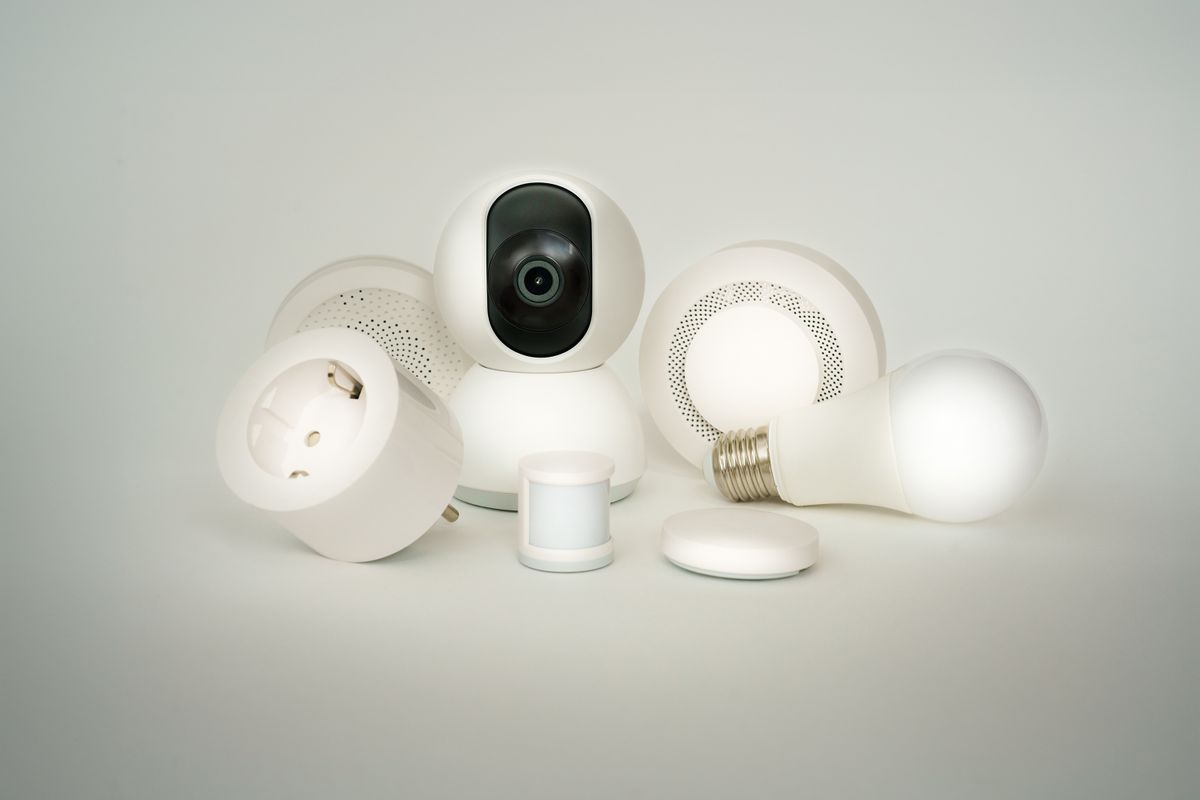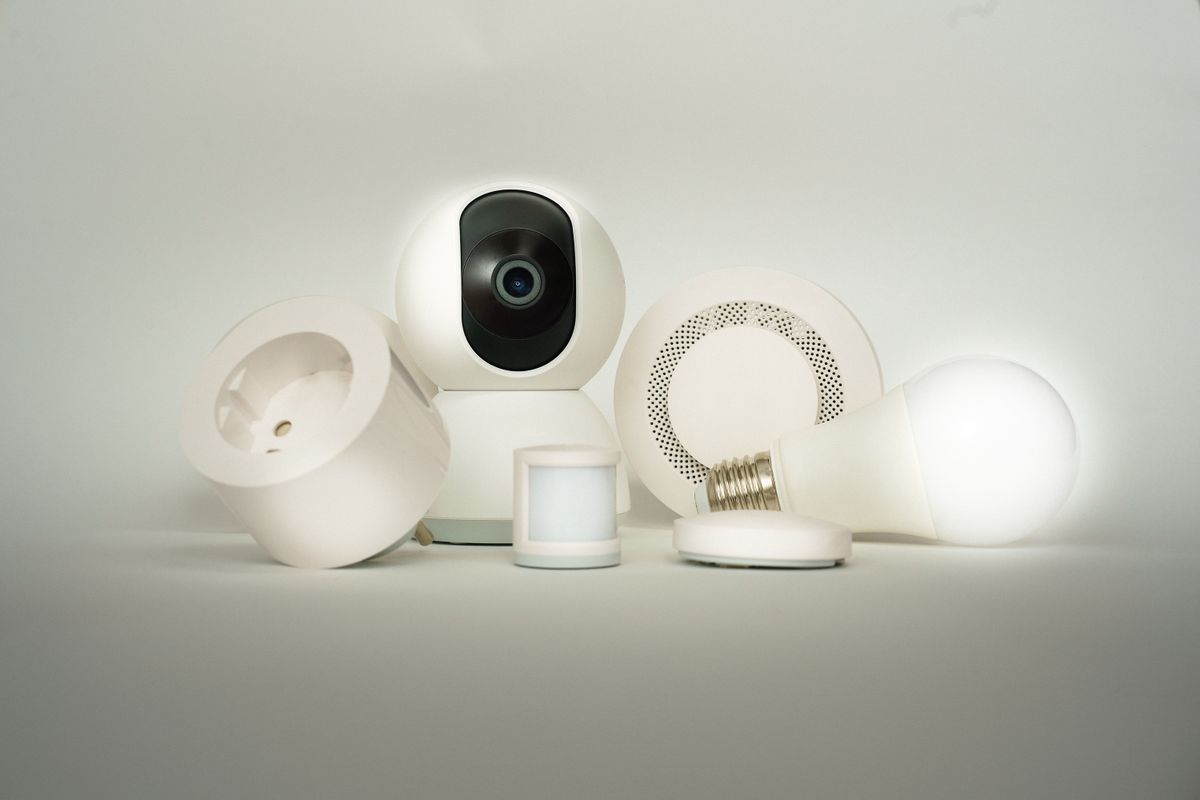
If you are weighing a Wyze vs Kasa smart plug, you are comparing two of the most popular Wi-Fi plugs for lamps, fans, and holiday lights. Both skip the hub, both work with Alexa and Google, and both turn dumb devices into scheduled ones.
The differences come down to ecosystem, features, and what you plan to plug in. Here is how they compare so you can pick one with confidence.
How We Picked
We did not lab-test these plugs. Instead, we compared official specs from Wyze and TP-Link, expert reviews from tech outlets, and patterns in verified customer reviews. We focused on app quality, voice assistant support, energy monitoring, and value, since those are the things buyers ask about most.
Wyze vs Kasa Smart Plug, At a Glance
| Product | Price | Best For | Our Rating |
|---|---|---|---|
| Kasa Smart Plug Mini (EP10 / EP25) | Check price | Best overall, energy monitoring option | 4.7 / 5 |
| Wyze Plug | Check price | Wyze users and budget buyers | 4.4 / 5 |
1. Kasa Smart Plug Mini, Best Overall
The Kasa Smart Plug Mini line from TP-Link is a go-to recommendation in many smart plug roundups. The compact body leaves the second outlet free, and setup runs through the Kasa app in a few minutes.
It works with Alexa and Google Home, and many Kasa plugs also support Apple HomeKit. That makes it a safe pick if your household mixes ecosystems.
The standout is the EP25 variant, which adds energy monitoring. You can see how much a space heater, window AC, or desktop setup draws, which is useful for trimming your power bill.
Customer feedback tends to praise reliable schedules and quick setup. The most common complaint is the 2.4GHz-only Wi-Fi requirement, which can make pairing fiddly on some mesh systems.
Kasa Smart Plug Mini (EP10 / EP25)
- Works with Alexa and Google Home, plus HomeKit on supported models
- Energy monitoring available on the EP25
- Schedules, timers, and away mode in the Kasa app
- Compact design that leaves the second outlet free
As an Amazon Associate, HomeTechVerdict earns from qualifying purchases. Tap through for the current live price on Amazon.
2. Wyze Plug, Best for Wyze Users
The Wyze Plug is built around the Wyze app, the same one that runs Wyze cameras, sensors, and bulbs. If you already live in that app, adding plugs there keeps everything in one place.
It supports schedules, timers, and sunrise and sunset automations, and it works with Alexa and Google Assistant. For simple jobs like switching a lamp or coffee maker, that covers what most people need.
Wyze is known for keeping costs low, and its plugs are typically one of the more affordable options, especially in multi-packs. That makes it easy to outfit a whole room.
The tradeoffs: the basic Wyze Plug has no energy monitoring, and HomeKit support is not a selling point here. If you want power tracking or Apple Home, Kasa has the edge.
Wyze Plug
- Works with Alexa and Google Assistant
- Same Wyze app as Wyze cameras and sensors
- Schedules, timers, and sunrise/sunset automation
- Budget-friendly, often sold in multi-packs
As an Amazon Associate, HomeTechVerdict earns from qualifying purchases. Tap through for the current live price on Amazon.
Pros
- Kasa offers a model with built-in energy monitoring (EP25) so you can see what an appliance costs to run
- Kasa plugs work with Alexa and Google Home, and many models support Apple HomeKit
- The Wyze Plug lives in the same app as Wyze cameras, sensors, and bulbs
- Wyze plugs are typically among the more affordable options, especially in multi-packs
Cons
- Both plugs use 2.4GHz Wi-Fi only, which can complicate setup on some mesh routers
- The basic Wyze Plug does not include energy monitoring
- Kasa's Mini model also lacks energy monitoring, you need the EP25 for that
Setup and Daily Use
Both plugs follow the same basic setup: plug it in, open the app, pick your 2.4GHz Wi-Fi network, and name the plug. Most buyers report it takes a few minutes per plug, and the apps walk you through it.
Once they are running, daily use is similar. You can switch devices on and off from your phone, set schedules, and use timers. Both also offer an away or vacation style mode that randomizes lights so the house looks lived in.
Where they differ is the app experience. Kasa’s app is focused on TP-Link’s own plugs, switches, and bulbs, so it feels uncluttered if all you want is plugs. Wyze’s app covers a wider range, including cameras and sensors, which is a plus if you use them and a bit more to scroll through if you do not.
Voice Control and Smart Home Support
Both brands link to Alexa and Google Assistant through a skill or action you enable in the voice assistant’s app. After that, you can say “turn off the living room lamp” and add the plug to routines that also control lights, speakers, or thermostats.
Kasa has the broader reach here, since many of its plugs also work with Apple HomeKit and IFTTT. Wyze has been catching up on integrations, but if Apple Home is central to your setup, check the specific model before buying.
If you want a plug that is part of a bigger automation, such as turning on a fan when a sensor detects motion, Wyze’s own sensors can trigger plugs inside the Wyze app. That is a handy shortcut for existing Wyze owners.
Safety and Load Limits
Whichever plug you choose, check the rated load before plugging in anything large. Many smart plugs in this class are rated for up to 15 amps, which is enough for lamps, fans, and most small appliances, but you should read the label on your specific model.
Space heaters, window air conditioners, and other high-draw devices deserve extra care. Look for UL certification, plug the device directly into a wall outlet rather than a power strip, and follow the appliance maker’s guidance on smart plug use.
How to Choose Between Wyze and Kasa
Start with your existing gear. If you already use Wyze cameras or sensors, the Wyze Plug keeps your automations in one app. If you are starting fresh, Kasa’s broader compatibility gives you more room to change later.
Next, decide whether you want energy monitoring. If you plan to run a heater, AC, or other high-draw device, the Kasa EP25 or KP115 lets you see usage. Always check the plug’s maximum rating, usually 15 amps, before you plug in anything power-hungry.
Then think about your voice assistant. Both cover Alexa and Google. Only Kasa offers HomeKit on select models, so Apple-first households lean Kasa.
Finally, check your Wi-Fi. Both need 2.4GHz, so if you run a mesh system, confirm that band is available during setup.
Our Verdict
Kasa wins this comparison for most buyers. It has the more versatile app, the broader voice and HomeKit support, and an energy monitoring option in the EP25.
The Wyze Plug is a solid, budget-friendly choice if you already use Wyze products and just want simple scheduling.
If you are weighing Kasa against its sister brand instead, see Kasa vs Tapo smart plugs.
Check the latest price on Amazon to see current deals on both. Apple Home users should also read does Kasa work with Apple HomeKit before picking a Kasa model.
If you are building out the rest of your smart home, pair these with a smart plug for energy monitoring or a smart speaker for Alexa.